
Inbox Settings
Overview
Inbox Settings is where administrators configure defaults for the Inbox composer. It is separate from Purchasing Your Text Number, which is the one-time setup for your organization's texting number.
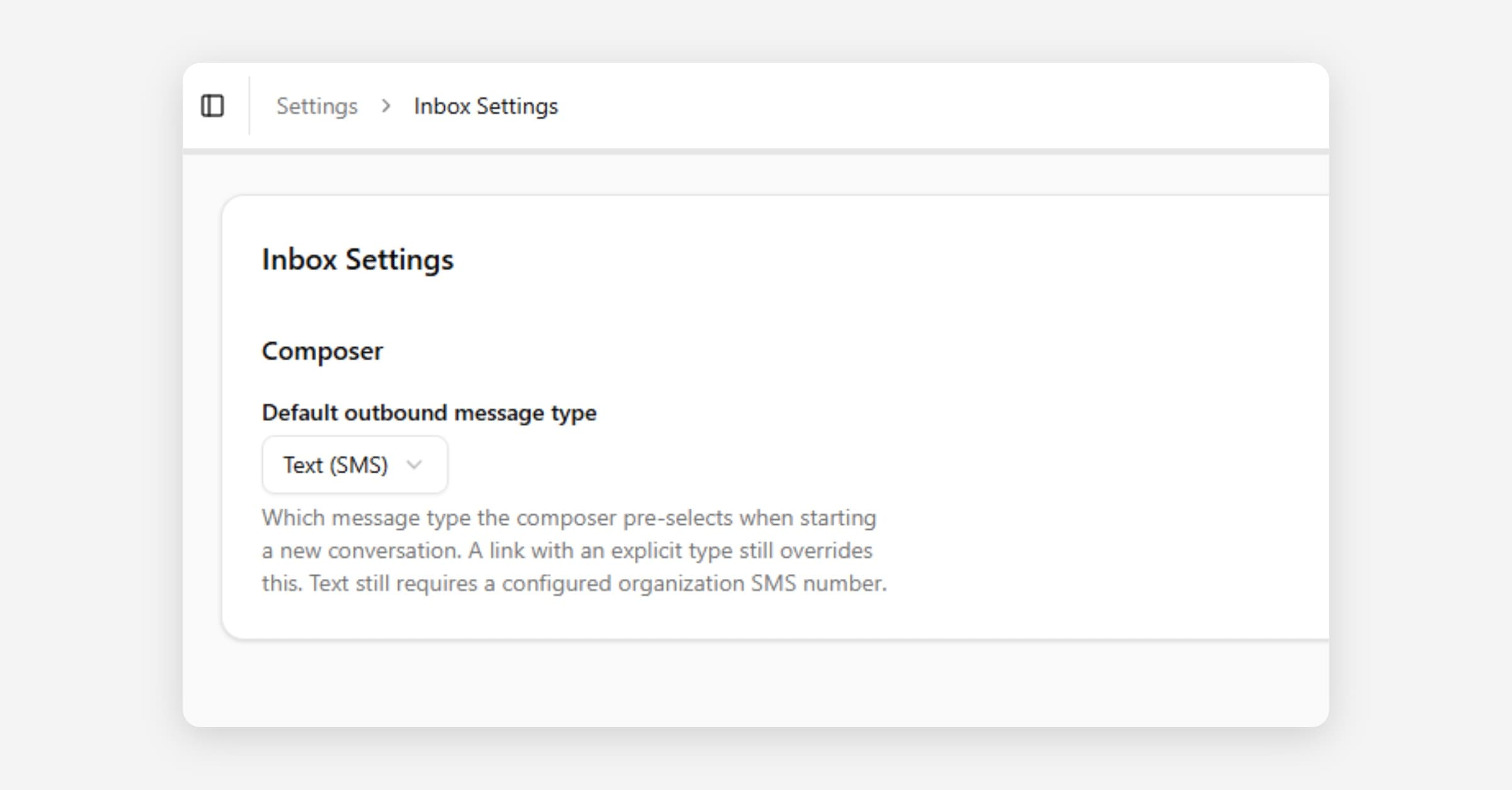
Where to find it: Settings > Inbox Settings.
Composer: Default outbound message type
When someone clicks Create new conversation in the Inbox, CoolFocus needs to know whether the new message starts as a regular text (SMS) or a secured message (sends a secured link to the client’s portal to view the message). The Default outbound message type setting controls that starting choice for your whole organization.
• Text (SMS): the composer opens ready to send a regular text message.
• Secure: the composer opens ready to send a secured message instead, so that staff do not have to remember to switch it every time.
How the default is chosen
CoolFocus resolves the composer's starting type in this order:
1. A link that explicitly requests a type (for example, a saved link or an older bookmark) always wins.
2. Otherwise, the organization's Default outbound message type from Inbox Settings is used.
3. If neither applies, CoolFocus falls back to Text (SMS).
Staff can always change the message type inside the composer before sending, no matter what the default is. Sending a regular text still requires a connected organization SMS number.
When to set this to Secure
If your team frequently exchanges protected health information (PHI), financial details, or other sensitive information with the people you message, consider setting the default to Secure so that staff will start from the safer option and have to opt into a regular text rather than the other way around. See Inbox Overview for more on when to use secured messages versus regular text messages.
Related
• Purchasing Your Text Number