
Volunteer Services and Positions
Use services and positions to describe the ways volunteers help.
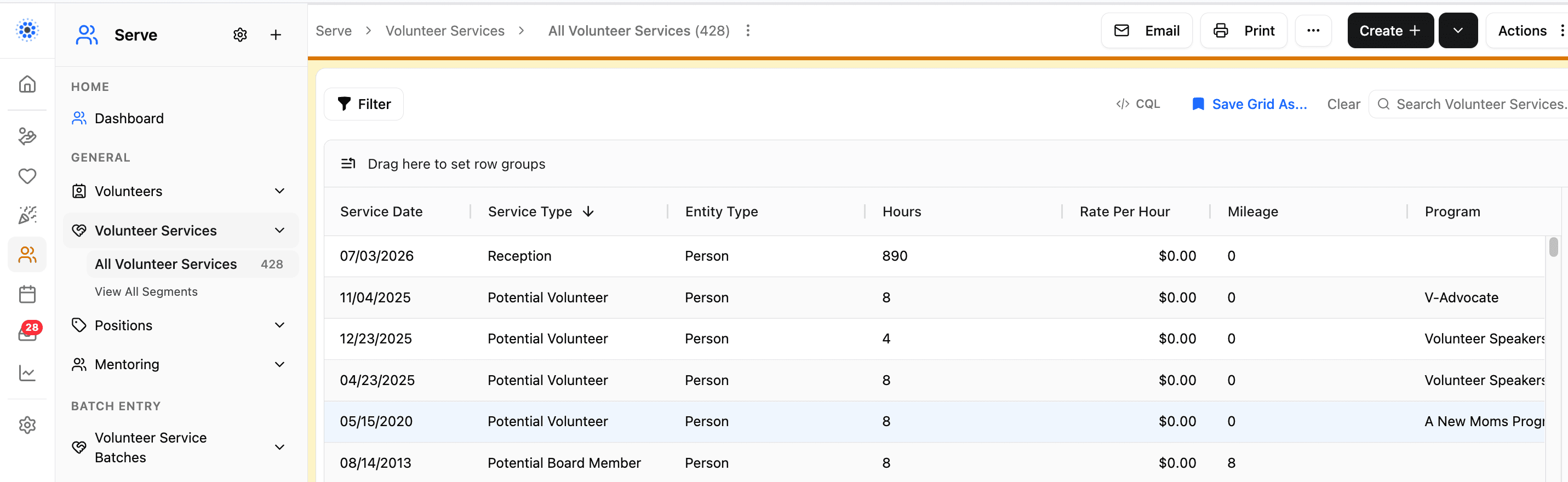
Volunteer Services and Positions
Volunteer services and positions describe how people serve.
Volunteer Services
A service is work a volunteer completes or helps with.
Positions
A position describes a role, responsibility, or place where a volunteer can serve.
Adding Team Members to a Position
From a position's settings page, use Add Team Members to assign people to that position. The picker searches your organization's Serve volunteer list, not the general contacts list. This keeps position assignments limited to people already tracked as volunteers, so you won't accidentally assign a client or donor contact to a serving position.
If the person you want to add is not showing up in the picker, confirm they have a volunteer record first, then add them to the position.
How They Connect
A volunteer can be connected to services and positions so your team knows what they do and where they fit.
Positions and Scheduling
Positions aren't just for volunteer tracking. The same active positions also appear in Scheduler, where they identify which staff are qualified to cover an appointment type. Open the Scheduler settings panel and go to the Staff tab to see your organization's positions and jump to Serve > Positions to create one or assign team members.
Best Practice
Use names that staff and volunteers will recognize. Clear names make scheduling and reporting easier.
Was this helpful?