
Staff
Use SERVE pages to understand people who serve with your organization.
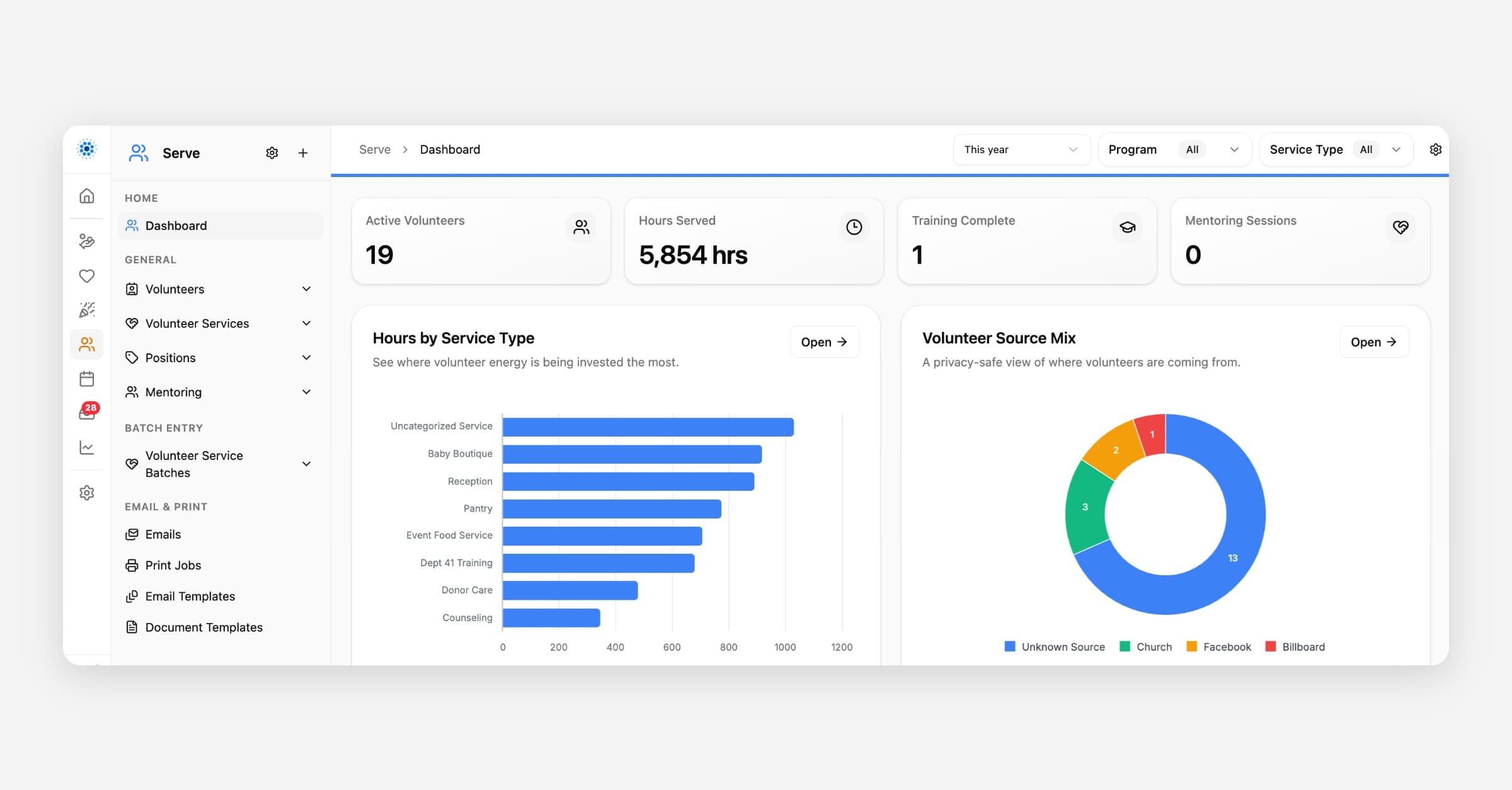
Staff
The Staff > Staff page in Serve tracks paid aid aid staff members and employoyoyofyour organization. staff, a volunteer, or both.
Volunteers are tracked on the Volunteers page in the same area. Use the involvement checkboxes on a person record to mark someone as Staff and/or as a Volunteer.
Community volunteers who are not paid staff have their own separate Volunteers page. See the Volunteers article for that record type. A person's record can be marked Staff, Volunteer, or both, but Staff and Volunteers are tracked as separate lists so you can tell them apart in menus, reports, and pickers.
A person can be both Staff and a Volunteer. If someone should appear on the Volunteers list too, check both Staff and Volunteer on their person record.
What You Can Track
Depending on your setup, a staff raff recordd may have contact information, time time shheett history, roles, availability, training, background checks, or notes.
Track training and event participation
Use the Event & Training Participation section on a staff record to log individual trainings, orientations, or events someone attended.
Open Serve > Staff and open the person's record.
Expand Event & Training Participation.
Click Add, choose a Type (from Manage Lists > Event Participation Type), and set the Event Date.
Repeat for each training or event you want on file. This builds a history of what the person completed and when.
To mark someone as fully trained for dashboard reporting, use the Training Complete checkbox on the staff record. The Serve dashboard Training Complete card counts staff with that box checked.
Track training and event participation
Use the Event & Training Participation section on a staff record to log individual trainings, orientations, or events someone attended.
Open Serve > Staff and open the person's record.
Expand Event & Training Participation.
Click Add, choose a Type (from Manage Lists > Event Participation Type), and set the Event Date.
Repeat for each training or event you want on file. This builds a history of what the person completed and when.
To mark someone as fully trained for dashboard reporting, use the Training Complete checkbox on the staff record. The Serve dashboard Training Complete card counts staff with that box checked.
How Staff Connect
Staff may connect to time time shheetts, positions, events, mentoring, shifts, or other work. Time Sheets, Positions, and Mentoring can be assigned to either a Staff or a Volunteer record using the same combined picker. Wherever a person picker needs to accept either a staff member or a volunteer (such as Time Sheets or Mentoring), it searches across both lists together.
See Also
Volunteers: community helpers who serve with your organization and log hours through Time Sheets.
Best Practice
Keep staff information current so coordinators can confidently match people with the right opportunities. If someone is a community volunteer rather than a paid employee, add them under Volunteers instead of Staff. If someone is really a community volunteer rather than a paid employee, add or move them to Volunteers instead so your staff list stays accurate for payroll and HR-style reporting.
Was this helpful?